Well prepared.
Clearly informed.
What matters for your activation: how self-installation works, how downloads and SD card shipping are handled, what applies to later updates and how personal appointments are arranged. These articles help you prepare for your individual check.
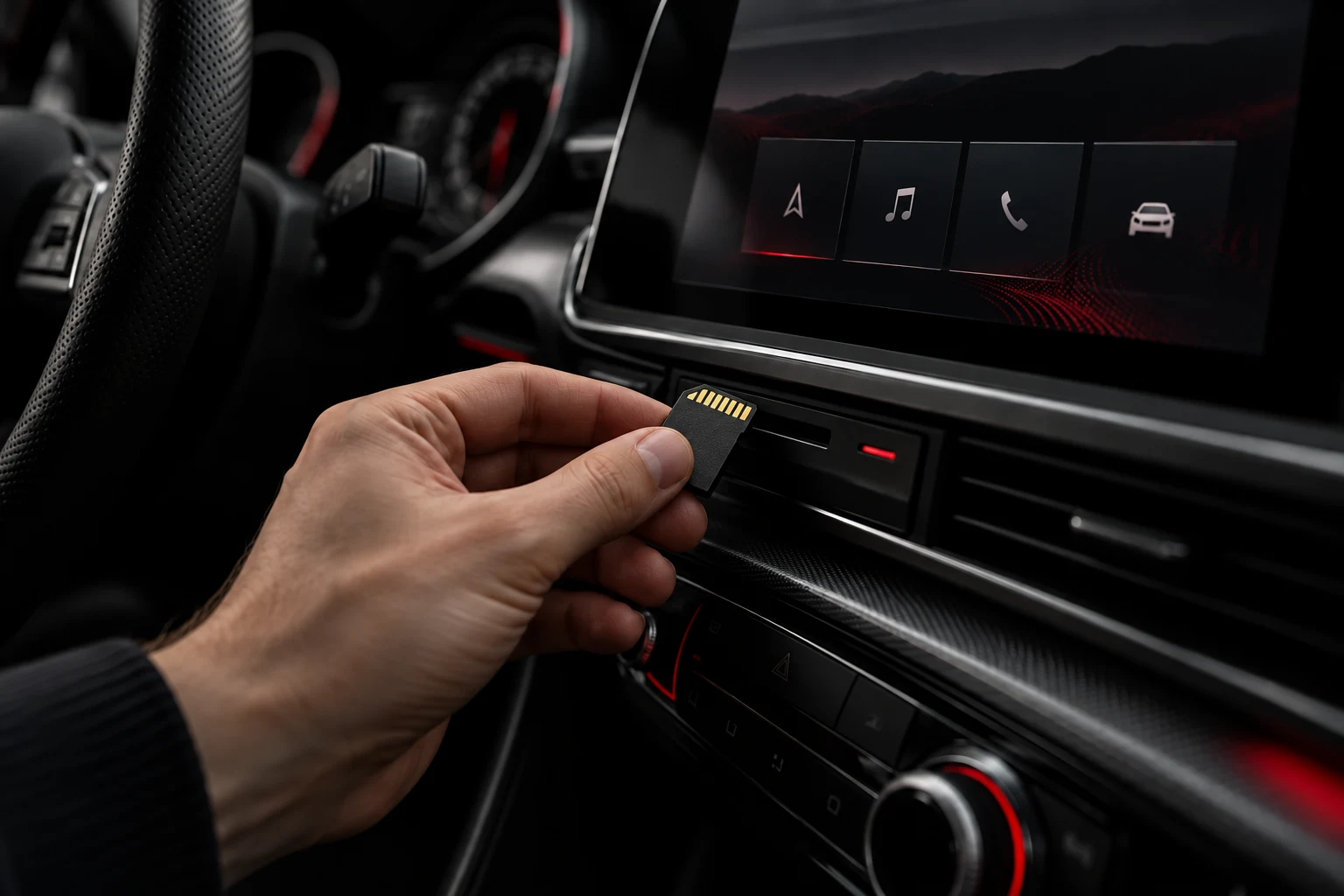
How do I install it myself?
Download or prepared SD card: instructions, installation and possible reactivation on the checked vehicle.
Read article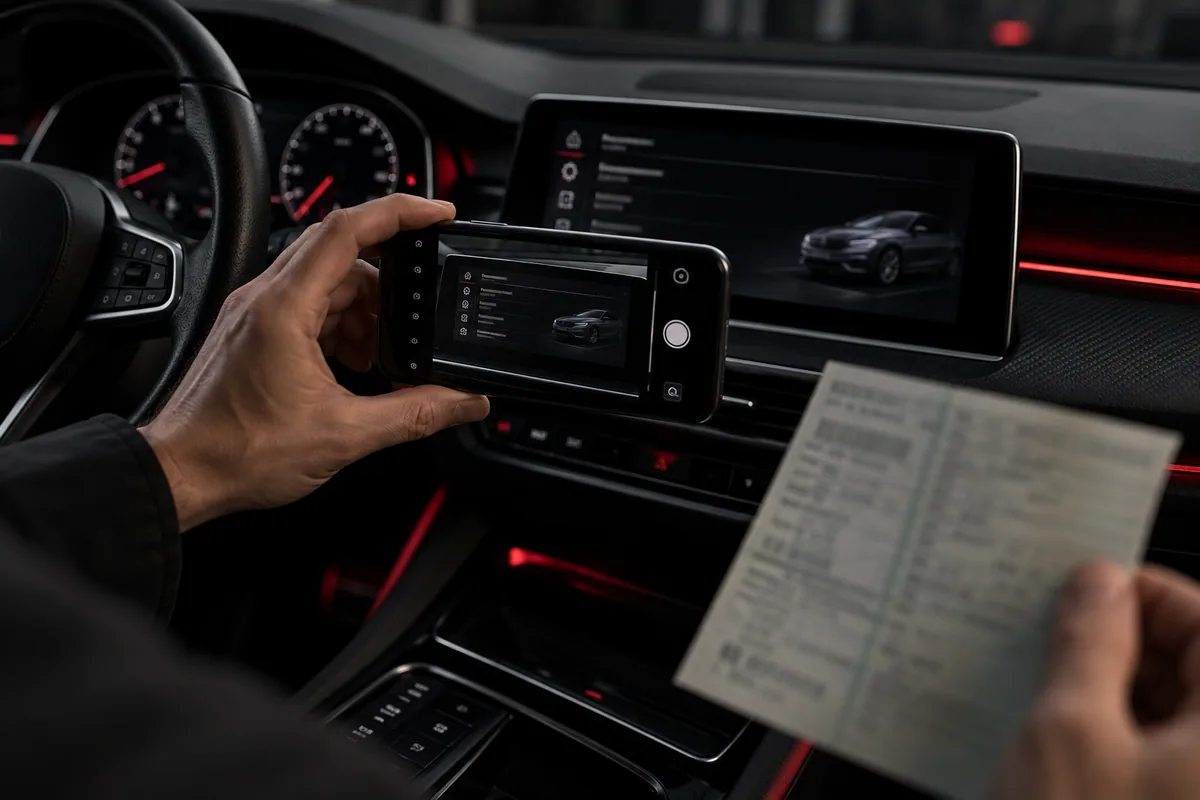
What information does a compatibility check require?
Complete vehicle and system details allow targeted activation checks without blanket assurances.
Read article
Download or prepared SD card?
Downloads, SD card shipping and personal appointments: how delivery works after the vehicle check.
Read article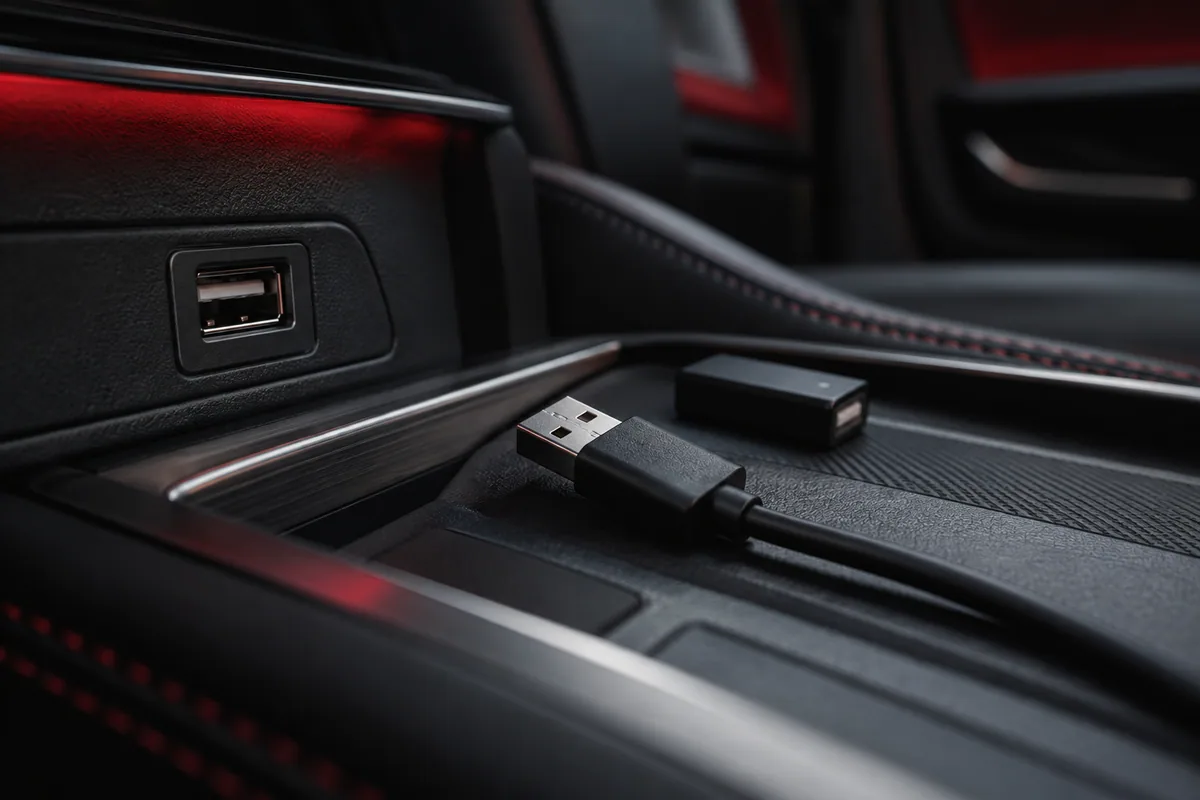
USB cables, wireless adapters and charge-only sockets
Our MIB2 solutions generally use a wired connection. Learn when a wireless adapter may help.
Read article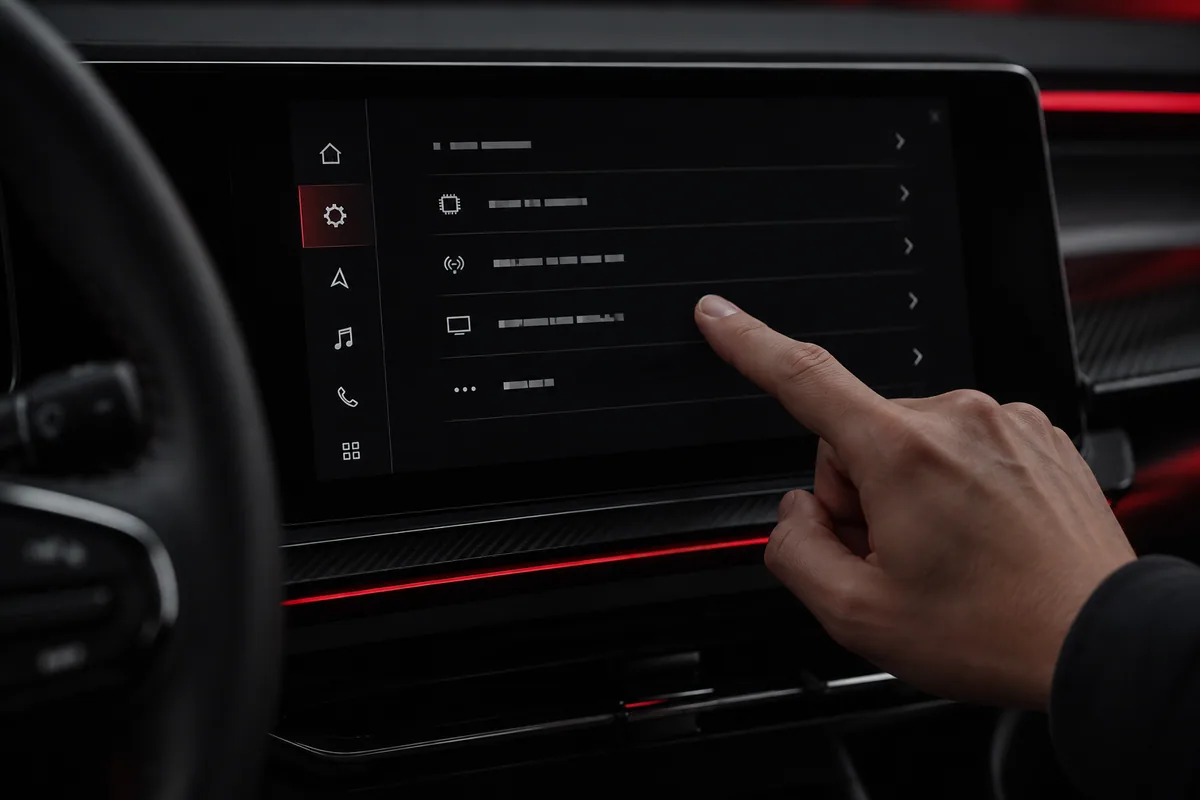
How do I find the complete software version?
The full infotainment system identifier matters more than a single version number. Here is how to prepare for the check.
Read article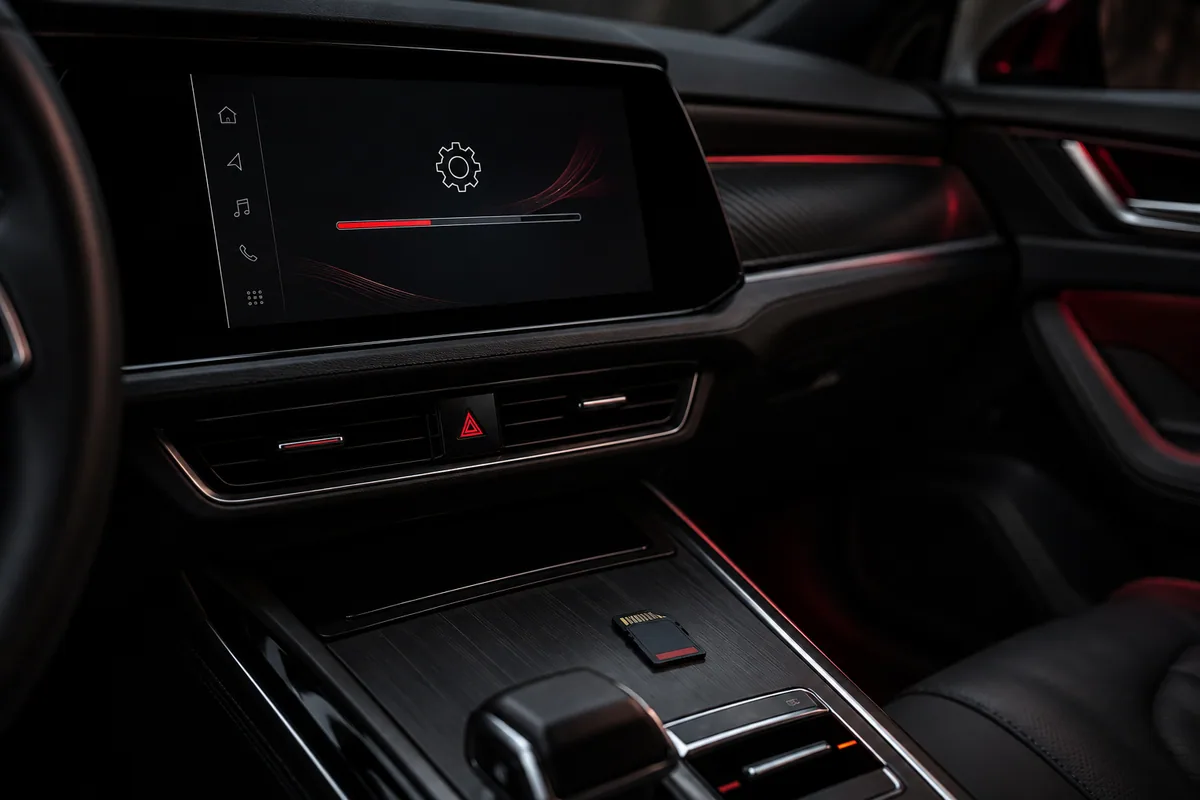
When does activation require a software update first?
When an update is needed before activation and what applies after a later manufacturer update.
Read article