MH2p activation: full-screen display and wireless Apple CarPlay
The MH2p solution distinguishes between wired base activation and optional additional services. Fullscreen means full-screen display; Wireless means using Apple CarPlay without a cable. None of these options is approved based on the vehicle model alone.
Check the system and vehicle before buying
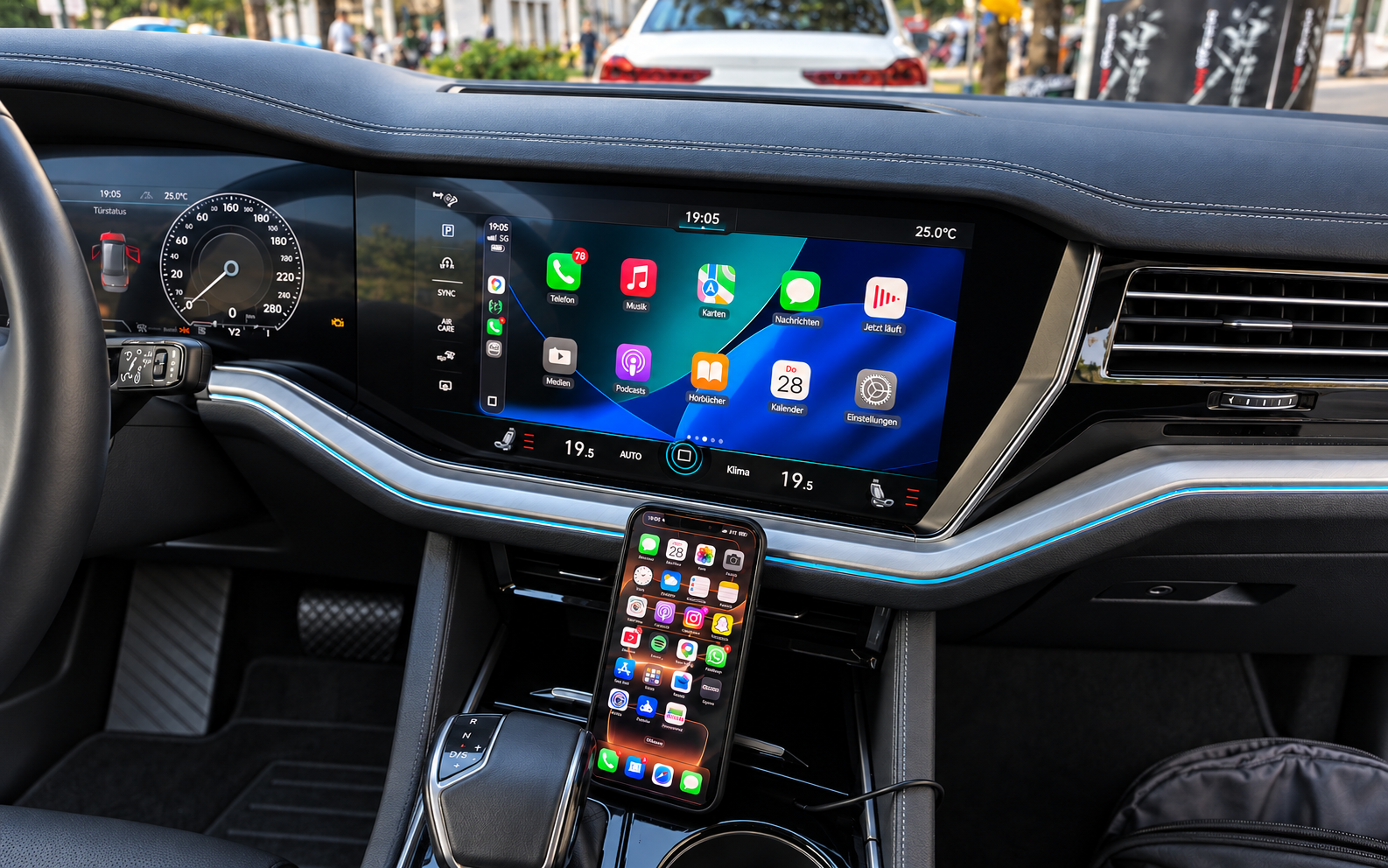
Suitable for VW Touareg with MH2p
Suitable for VW Touareg with a compatible MH2p system: we offer an individually checked App-Connect activation. Its range of functions differs from the other MIB2 offers.
- Apple CarPlay and Android Auto as a wired base activation
- Fullscreen-Patch and Apple CarPlay Wireless as optional additional services
- Individually prepared download or unbranded SD card
Notes
The version information must start with MH2p. This is a requirement, but does not fully confirm suitability. We need the model, year and complete version information. The MENU instructions for other VW systems do not automatically apply here.
To find out whether we can activate your vehicle, select the Have this system checked ↗ button below.
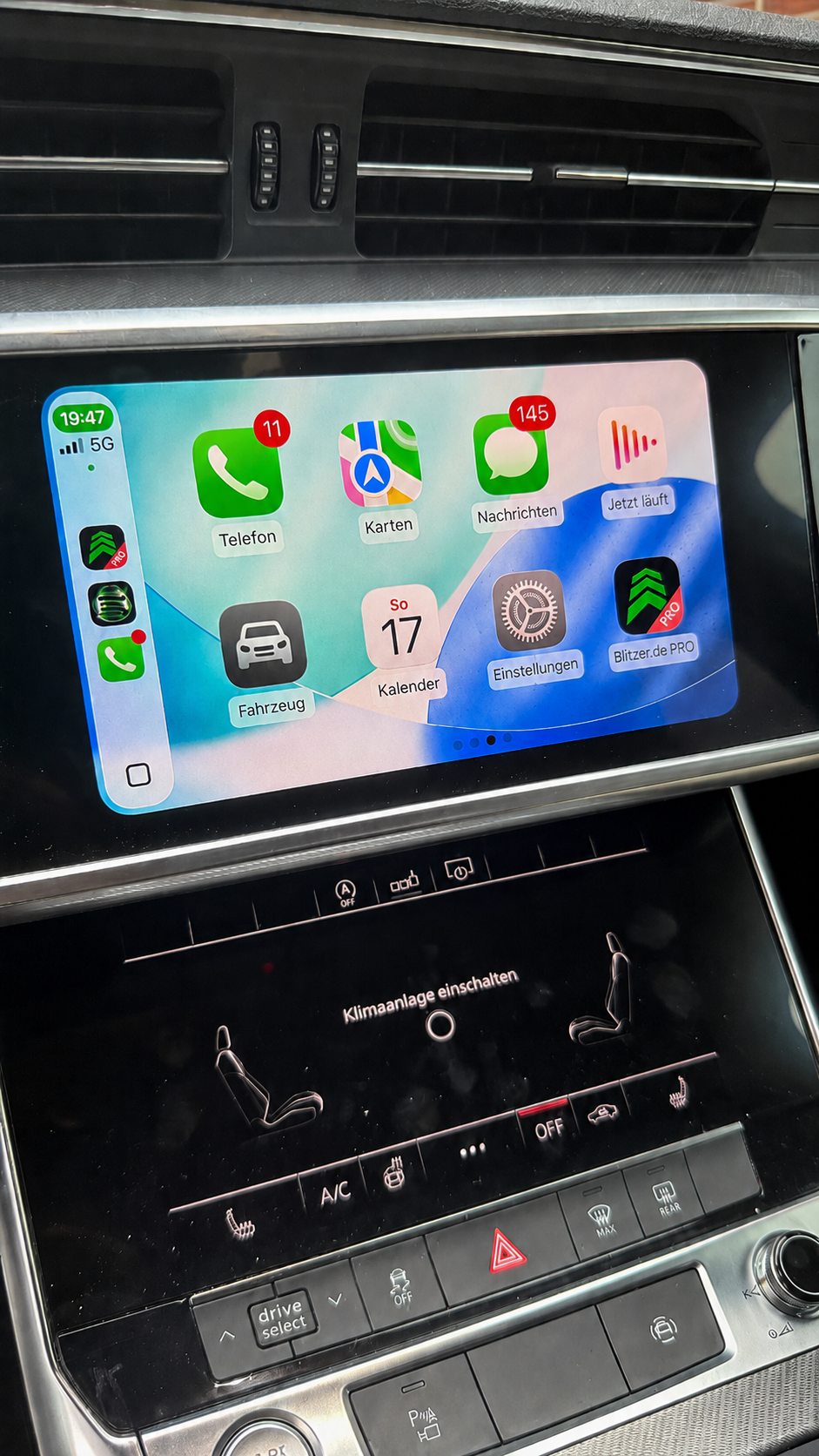
Suitable for Audi with an MH2p system
The MH2p offer for Audi Phone Apps is a separate system solution. Depending on actual equipment, it may cover vehicles from the A1, A6, A7, A8, Q3, Q7 and Q8 model ranges.
- Apple CarPlay and Android Auto as a wired base activation
- Fullscreen-Patch and Apple CarPlay Wireless as optional additional services
- Version information under Settings → General
Notes
The complete system identifier must start with MH2p. Model range and year alone are insufficient. Photograph the version information and USB socket. We only prepare the appropriate activation solution with instructions after the technical check.
To find out whether we can activate your vehicle, select the Have this system checked ↗ button below.
From compatibility check to order.
- 01
Check your vehicle
Match your vehicle, installed software version and equipment to your desired function. Order only after we confirm suitability.
- 02
Add to cart
Select the checked offer and your preferred option.
- 03
Order and pay
Complete your order and select the payment method offered.
Digital download / Ready-made SD card
Which option suits me? Download or SD card?Installing the activation
How do I install the activation?Read about downloads, shipping and appointments ↗
We provide digital services by download. Prepared SD cards are sent as letters within Germany. We ship to other European countries offered at checkout exclusively by Deutsche Post Standardbrief International. Delivery time depends on the destination country. For a download, you need a Windows desktop computer or Windows laptop with an SD card reader and your own suitable SD card of at least 8 GB. Do not use an original navigation SD card. You see the exact processing and delivery information in the cart before ordering. Shipping costs are shown in the cart after a successful vehicle check and before ordering.
Frequently asked questions and limitations
For which vehicles is this solution checked?
Suitable for VW Touareg with MH2p and Audi with a compatible MH2p system. Depending on equipment, Audi models may include the A1, A6, A7, A8, Q3, Q7 and Q8. These examples do not confirm blanket compatibility by model or year.
Are activation, Fullscreen and Wireless the same service?
No. Apple CarPlay and Android Auto form the wired base activation. A Fullscreen-Patch and Apple CarPlay Wireless are optional additional services. We check which combination suits your system before ordering. This does not promise wireless Android Auto.
How do I find the decisive software version?
The complete version information must start with MH2p. On Audi, find the version information under Settings and General. The MENU instructions for other VW systems do not automatically apply to these devices. Only view the version information and do not start an update speculatively.
What information is required?
Give the manufacturer, model, year and desired function, and have the complete version information ready. Audi also requires a USB equipment check. For confirmed VW Touareg MH2p systems, this USB check is omitted in the existing check process.
Can I use a file from another vehicle?
No. The solution is prepared for the confirmed vehicle and system combination. The same model name or a similar version screen is insufficient. If the system or software changes later, ask before reinstalling.
Can I have the vehicle's voice control activated?
If voice control is not yet activated in your vehicle, we enable it at no extra charge as part of the checked activation for Apple CarPlay or Android Auto.
This addition is part of the individually checked smartphone activation. It does not imply a blanket commitment for every vehicle.
Check your vehicle ↗
Make, model or software prefix alone does not establish suitability. The complete version information, vehicle details and USB equipment are decisive. Use the compatibility check before ordering.
Legal and customer information
Suitability is confirmed only for the individually verified vehicle and system combination. No software licences or third-party rights are sold or transferred. Brands are mentioned to describe vehicle compatibility objectively. The provider is ProTech Schrötter; there is no business affiliation with the vehicle manufacturers.
Subsequent software updates