Activate App-Connect & CarPlay
ProTech Schrötter checks and prepares smartphone activations for suitable MIB2 systems. These solutions initially use a wired connection for Apple CarPlay and Android Auto. You see the binding total price before ordering.
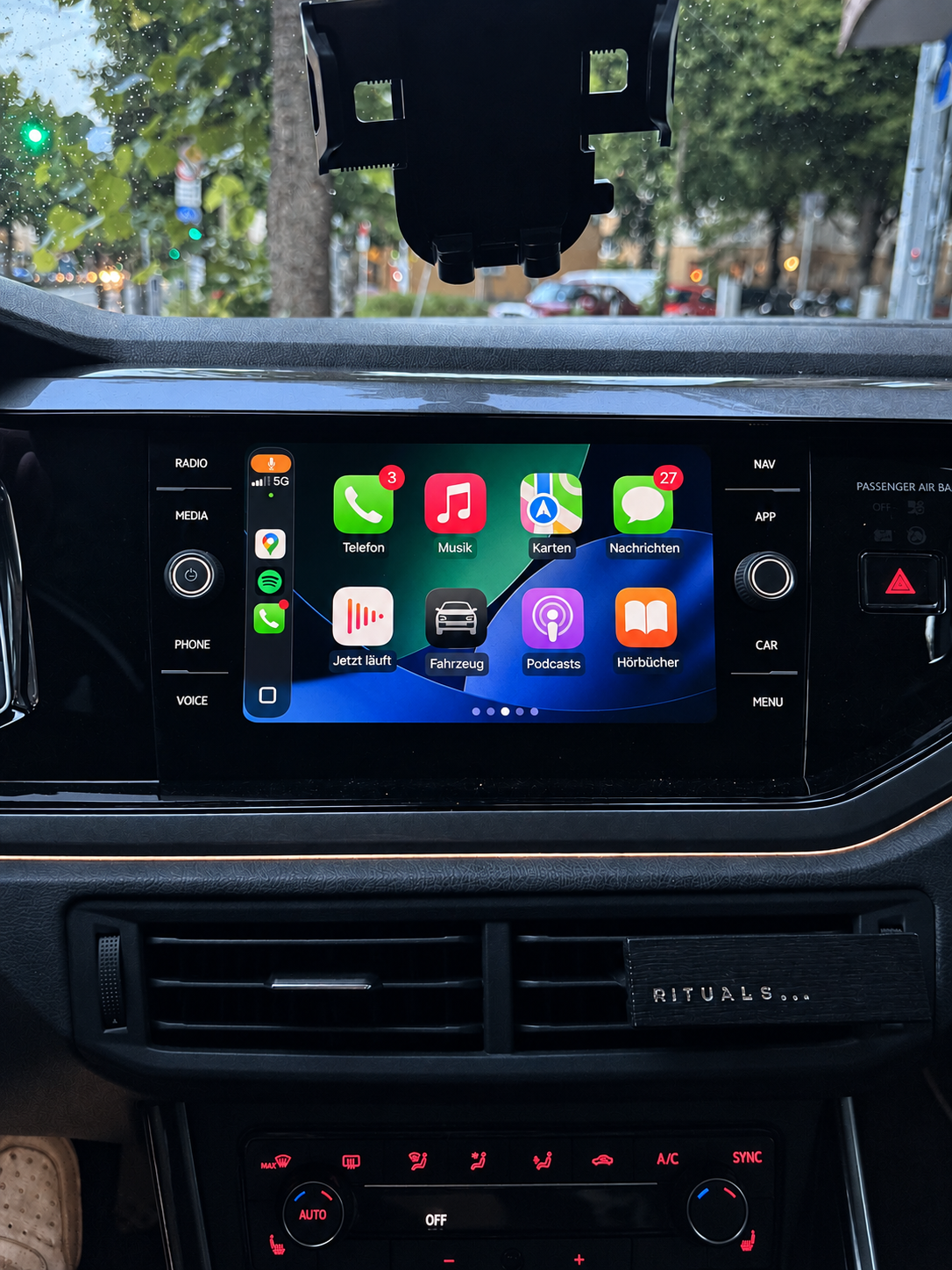
Check the system and vehicle before buying
Suitable for VW vehicles
App-Connect links suitable MIB2 systems with your smartphone. We check the device variant, complete software train and existing USB socket.
- For Apple CarPlay and Android Auto
- These MIB2 solutions initially use a wired connection
- Download or prepared SD card after checking
Notes
MIB2 systems with identifiers such as MST2, MHI2 or MHS2 may be suitable for activation. The identifier alone does not authorise a purchase. The described MIB2 units without navigation and with only one SD card slot are not supported by this offer.
To find out whether we can activate your vehicle, select the Have this system checked ↗ button below.
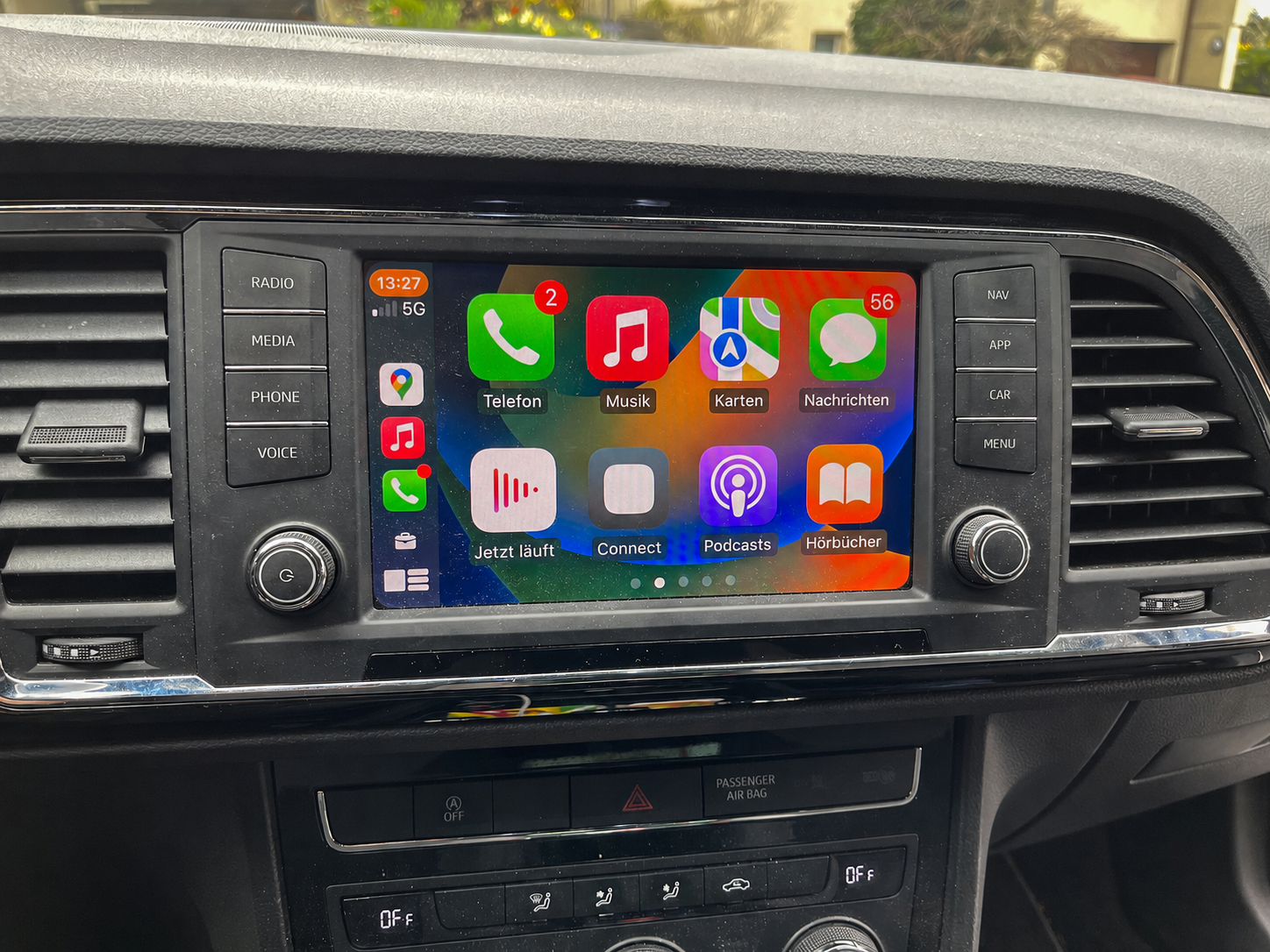
Suitable for SEAT vehicles
On suitable SEAT systems, smartphone connectivity is called Full Link. We establish whether your specific device variant is supported before providing the solution.
- For Apple CarPlay and Android Auto
- Check the complete version screen and USB socket
- Digital delivery or prepared SD card
Notes
MIB2 systems with identifiers such as MST2, MHI2 or MHS2 may be suitable for activation. The identifier alone does not authorise a purchase. The described MIB2 units without navigation and with only one SD card slot are not supported by this offer.
Devices that look the same can have different requirements. PQ and ZR identifiers and the exact software version must be distinguished. The name Full Link or a visible menu item alone does not confirm suitability.
To find out whether we can activate your vehicle, select the Have this system checked ↗ button below.
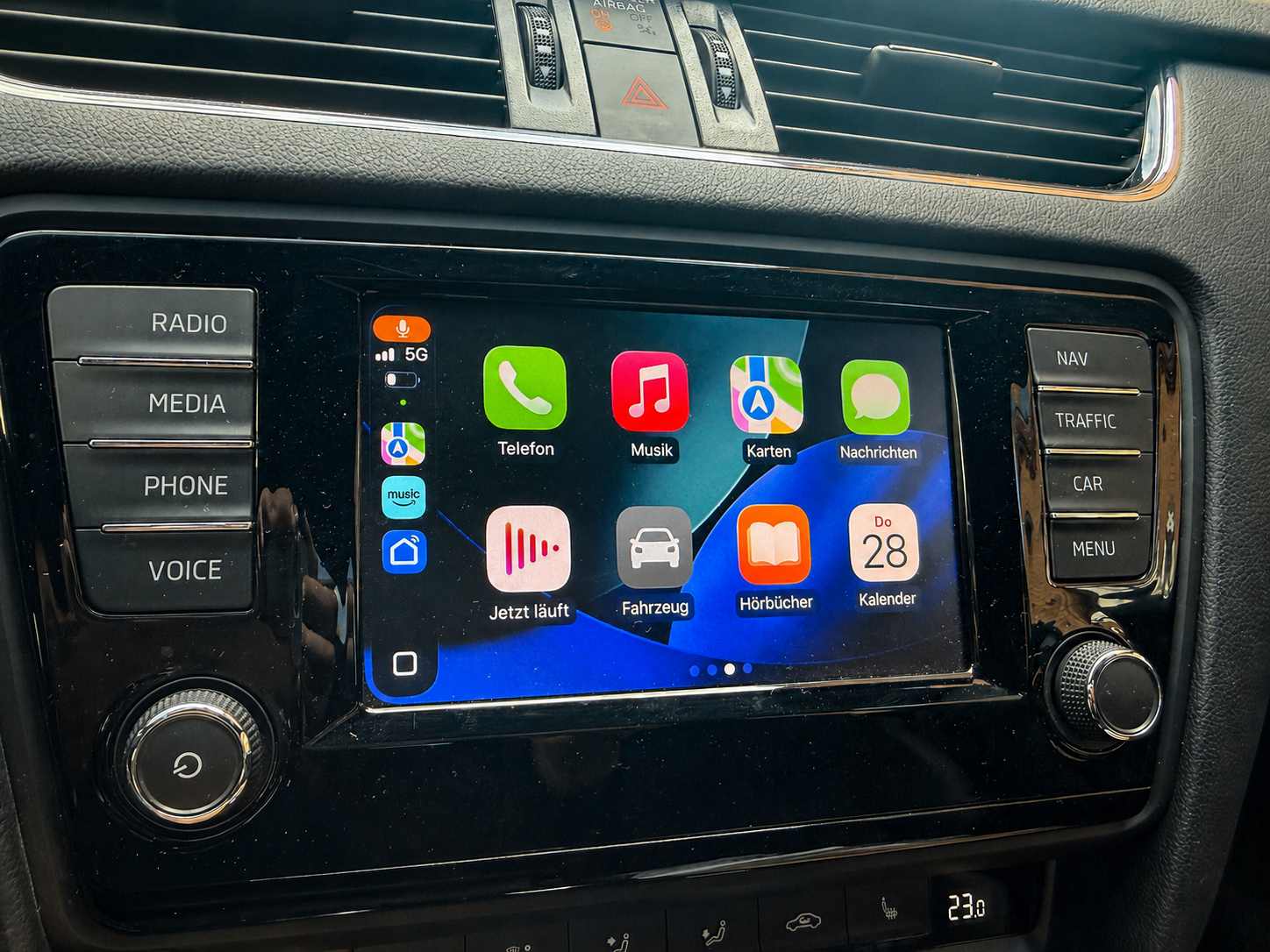
Suitable for Škoda vehicles
On compatible systems, SmartLink can provide access to smartphone functions. The software train, device equipment and a suitable data socket are decisive.
- For Apple CarPlay and Android Auto
- Version screen via MENU and Software update / Versions
- Instructions and written support for the checked solution
Notes
MIB2 systems with identifiers such as MST2, MHI2 or MHS2 may be suitable for activation. The identifier alone does not authorise a purchase. The described MIB2 units without navigation and with only one SD card slot are not supported by this offer.
Please send the complete software version of your vehicle. Do not copy an identifier from an example photo. Particular software or hardware variants may be excluded even within the same system family.
To find out whether we can activate your vehicle, select the Have this system checked ↗ button below.
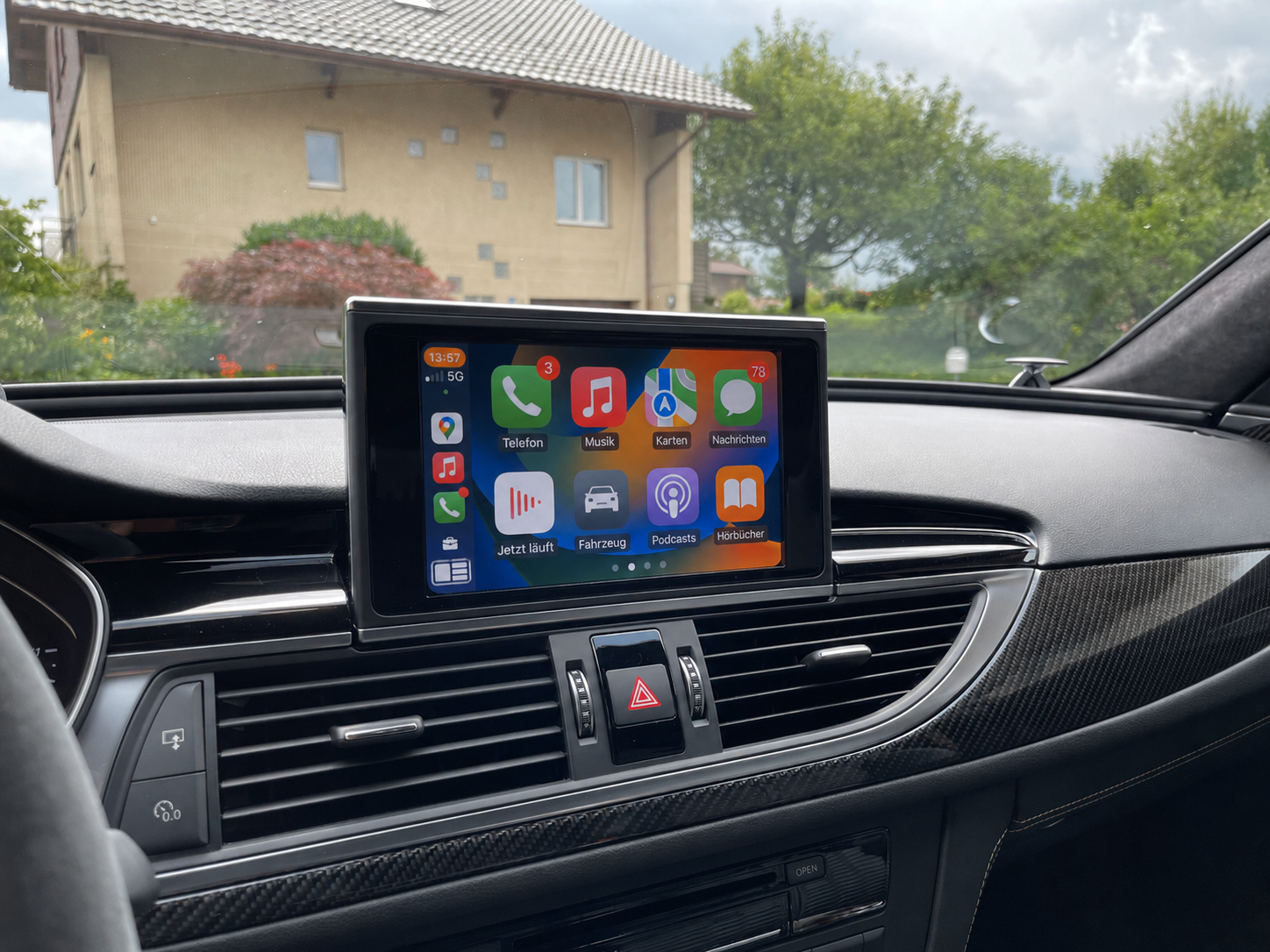
Suitable for Audi vehicles
For Audi Smartphone Interface, the software version and connection equipment must match. Any required firmware update is assessed separately from activation.
- For Apple CarPlay and Android Auto
- Version information through the Red Engineering menu
- USB hardware and any required update are also checked
Notes
MIB2 systems with identifiers such as MST2, MHI2 or MHS2 may be suitable for activation. The identifier alone does not authorise a purchase. The described MIB2 units without navigation and with only one SD card slot are not supported by this offer.
A socket marked “Charge Only” is insufficient for a smartphone data connection. A suitable USB socket with wiring and coding may be required on affected devices. Update requirements also need clarification for premium sound systems.
To find out whether we can activate your vehicle, select the Have this system checked ↗ button below.
From compatibility check to order.
- 01
Check your vehicle
Match your vehicle, installed software version and equipment to your desired function. Order only after we confirm suitability.
- 02
Add to cart
Select the checked offer and your preferred option.
- 03
Order and pay
Complete your order and select the payment method offered.
Digital download / Ready-made SD card
Which option suits me? Download or SD card?Installing the activation
How do I install the activation?Read about downloads, shipping and appointments ↗
We provide digital services by download. Prepared SD cards are sent as letters within Germany. We ship to other European countries offered at checkout exclusively by Deutsche Post Standardbrief International. Delivery time depends on the destination country. For a download, you need a Windows desktop computer or Windows laptop with an SD card reader and your own suitable SD card of at least 8 GB. Do not use an original navigation SD card. You see the exact processing and delivery information in the cart before ordering. Shipping costs are shown in the cart after a successful vehicle check and before ordering.
Frequently asked questions and limitations
Is every MIB2 device suitable?
No. The device variant, full software version and equipment must match. Identifiers such as MST2, MHI2 or MHS2 help with classification but do not establish suitability on their own. We do not offer this activation for the described MIB2 devices without navigation and with only one SD slot.
How do App-Connect, Full Link and SmartLink differ?
These names describe smartphone connectivity on different suitable vehicles: App-Connect for VW, Full Link for SEAT, SmartLink for Škoda and Audi Smartphone Interface for Audi. Here, they name the existing vehicle function, not the provider of our service. The spelling FullLink is also commonly used. Technical suitability is checked for the specific device.
Is a USB socket that charges the smartphone enough?
No. Charging does not confirm a data connection. A socket marked Charge Only is insufficient for smartphone connectivity. Depending on the device, suitable USB hardware with wiring and coding may be required. Activation does not replace these hardware modifications.
Does my system need an update or coding first?
Any required firmware update is assessed separately from activation. Premium sound systems require a separate check of the update path. Audi may also require OBD2 coding or activation of the Green Engineering menu; the individual check and instructions clarify the specific scope.
Can I add Apple CarPlay or carry out a retrofit with this service?
On a suitable existing MIB2 system, activation can enable the smartphone function already supported by the hardware and software. A retrofit involving hardware changes, installation of a new radio or a missing USB data port is not included in this service. The MIB2 solutions described here start with wired use; wireless functionality is not promised.
My VW displays “activation key”. Is this offer an original manufacturer activation document?
The message alone does not confirm that your device is suitable for our offer. We check the complete version information and equipment before ordering. We offer individually prepared activation with instructions, not an original activation document from the vehicle manufacturer. If you specifically want an original manufacturer key, discuss that route with an authorised manufacturer service provider. No software licences or third-party rights are sold or transferred by the service described here.
Can I have the vehicle's voice control activated?
If voice control is not yet activated in your vehicle, we enable it at no extra charge as part of the checked activation for Apple CarPlay or Android Auto.
This addition is part of the individually checked smartphone activation. It does not imply a blanket commitment for every vehicle.
Check your vehicle ↗
Make, model or software prefix alone does not establish suitability. The complete version information, vehicle details and USB equipment are decisive. Use the compatibility check before ordering.
Legal and customer information
Suitability is confirmed only for the individually verified vehicle and system combination. No software licences or third-party rights are sold or transferred. Brands are mentioned to describe vehicle compatibility objectively. The provider is ProTech Schrötter; there is no business affiliation with the vehicle manufacturers.
Subsequent software updates