Menu
Check compatibility ↗
VEHICLE-SPECIFIC SOLUTIONS

Activations.
Matched to your system.

MIB2, MH2p or PCM 5: the device family makes the difference. Find out which functions we offer for suitable systems and what needs checking first. If voice control is not yet activated in your vehicle, we enable it at no extra charge as part of the checked activation for Apple CarPlay or Android Auto.

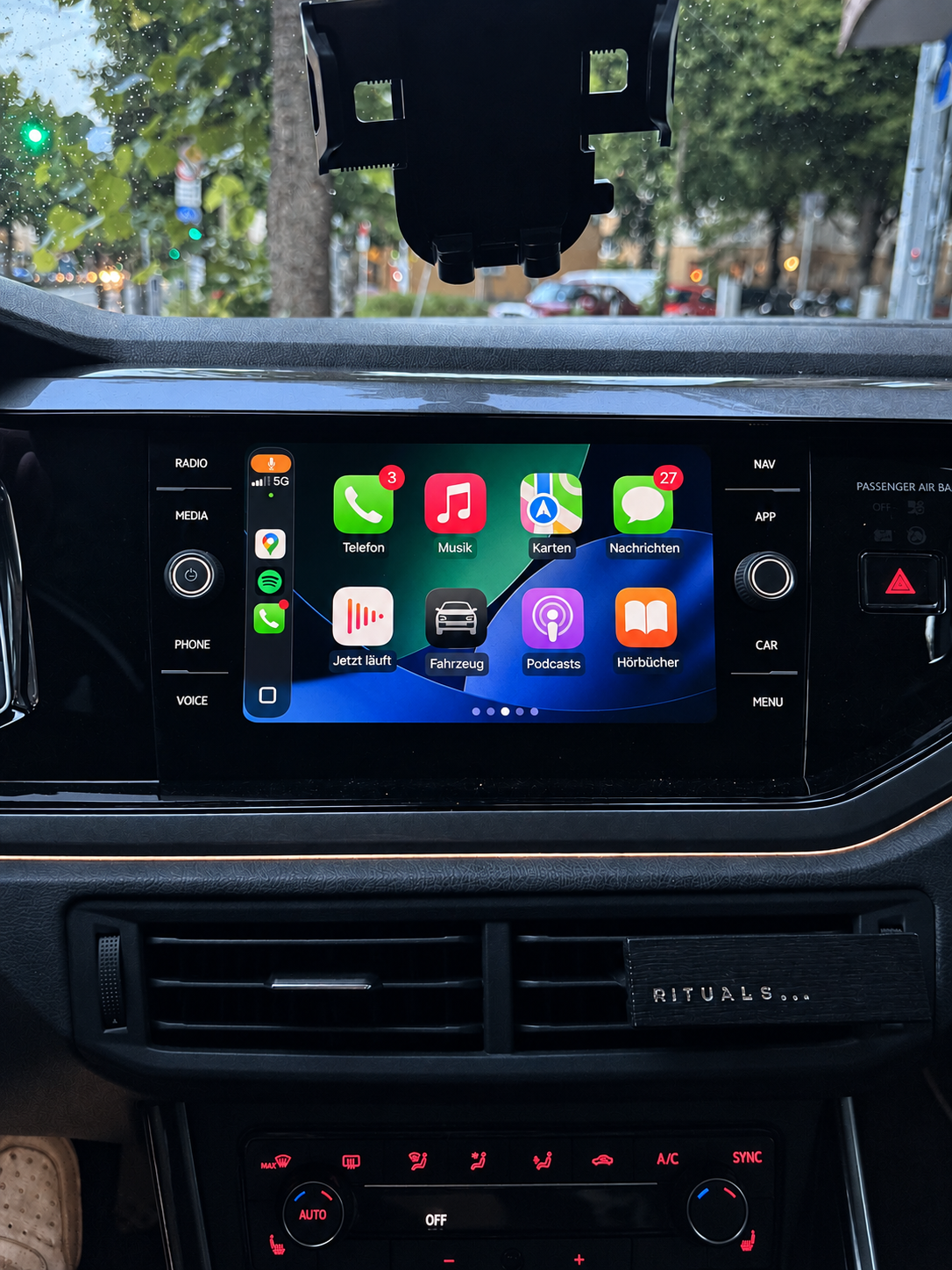
Example infotainment photo for VW
Example photo · Check the device and equipment individually
MIB2 · App-Connect

Suitable for VW vehicles

App-Connect links suitable MIB2 systems with your smartphone. We check the device variant, complete software train and existing USB socket.

  • For Apple CarPlay and Android Auto
  • These MIB2 solutions initially use a wired connection
  • Download or prepared SD card after checking
  • Vehicle voice control, if not yet activated, at no extra charge
Have your system checked Notes
GUIDANCE THROUGH TO ACTIVATION

Install it yourself, step by step

You do not have to work out the installation yourself. After your order is confirmed and payment received, you receive instructions matching your checked solution by email. They guide you step by step through preparation and activation in the vehicle. The instructions are illustrated in most cases.

Digital download

You receive the required files and instructions explaining how to download, unzip and prepare your own SD card on a Windows computer. Then follow the steps described in the vehicle.

You need a suitable SD card of your own with at least 8 GB. Do not use a navigation SD card.

Prepared SD card

We prepare the ordered SD card for you and send it by post. Separate instructions by email show how to use the card in the vehicle and carry out activation. If a software update is also required, you receive a second card for it.

The described software steps in the vehicle generally require no additional tools. Follow the instructions for your checked system. If you have questions, we will help you personally.

Manually sent installation instructions and accompanying emails remain in German for now.

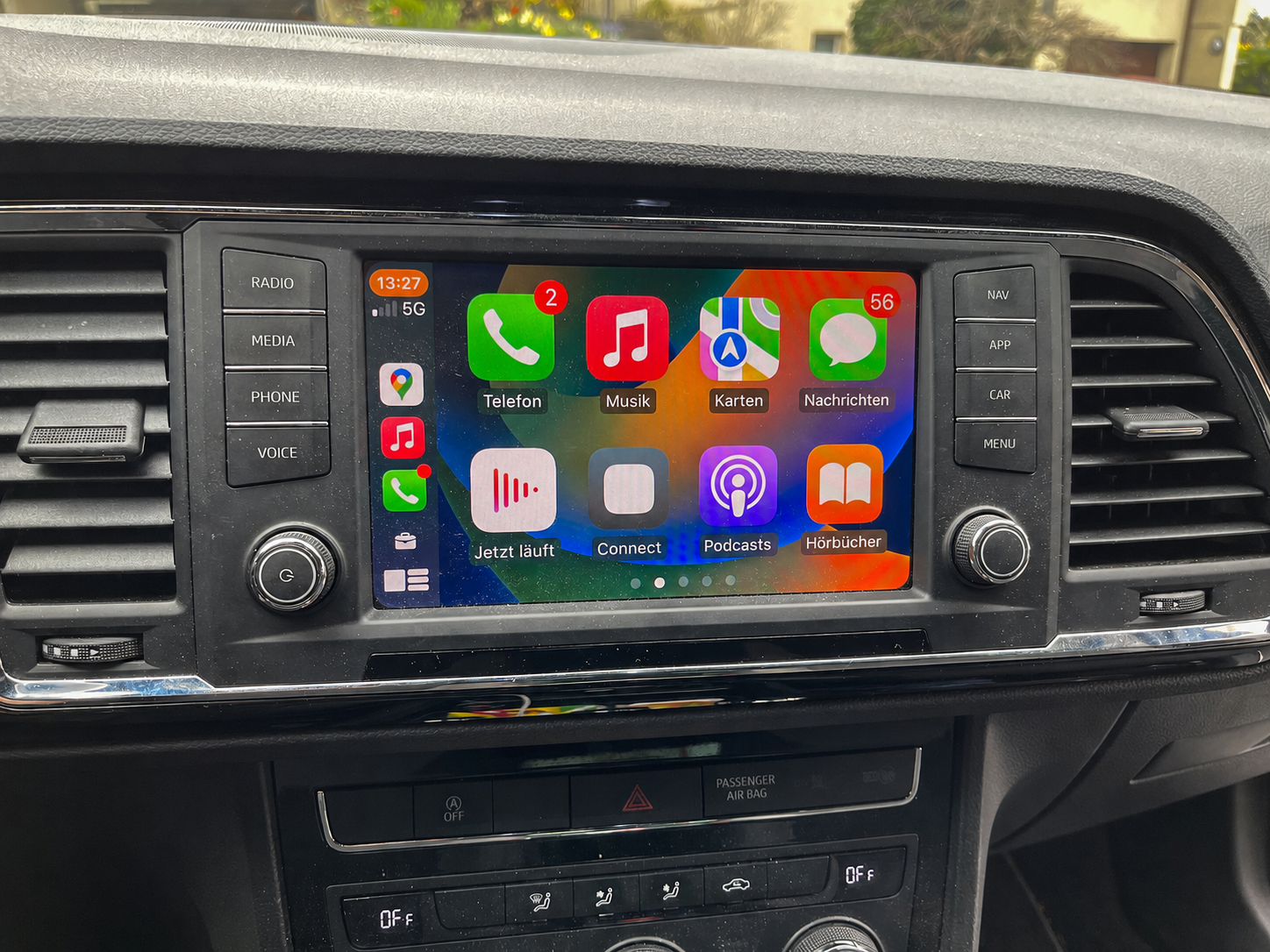
Example infotainment photo for SEAT
Example photo · Check the device and equipment individually
MIB2 · Full Link

Suitable for SEAT vehicles

On suitable SEAT systems, smartphone connectivity is called Full Link. We establish whether your specific device variant is supported before providing the solution.

  • For Apple CarPlay and Android Auto
  • Check the complete version screen and USB socket
  • Digital delivery or prepared SD card
  • Vehicle voice control, if not yet activated, at no extra charge
Have your system checked Notes
GUIDANCE THROUGH TO ACTIVATION

Install it yourself, step by step

You do not have to work out the installation yourself. After your order is confirmed and payment received, you receive instructions matching your checked solution by email. They guide you step by step through preparation and activation in the vehicle. The instructions are illustrated in most cases.

Digital download

You receive the required files and instructions explaining how to download, unzip and prepare your own SD card on a Windows computer. Then follow the steps described in the vehicle.

You need a suitable SD card of your own with at least 8 GB. Do not use a navigation SD card.

Prepared SD card

We prepare the ordered SD card for you and send it by post. Separate instructions by email show how to use the card in the vehicle and carry out activation. If a software update is also required, you receive a second card for it.

The described software steps in the vehicle generally require no additional tools. Follow the instructions for your checked system. If you have questions, we will help you personally.

Manually sent installation instructions and accompanying emails remain in German for now.

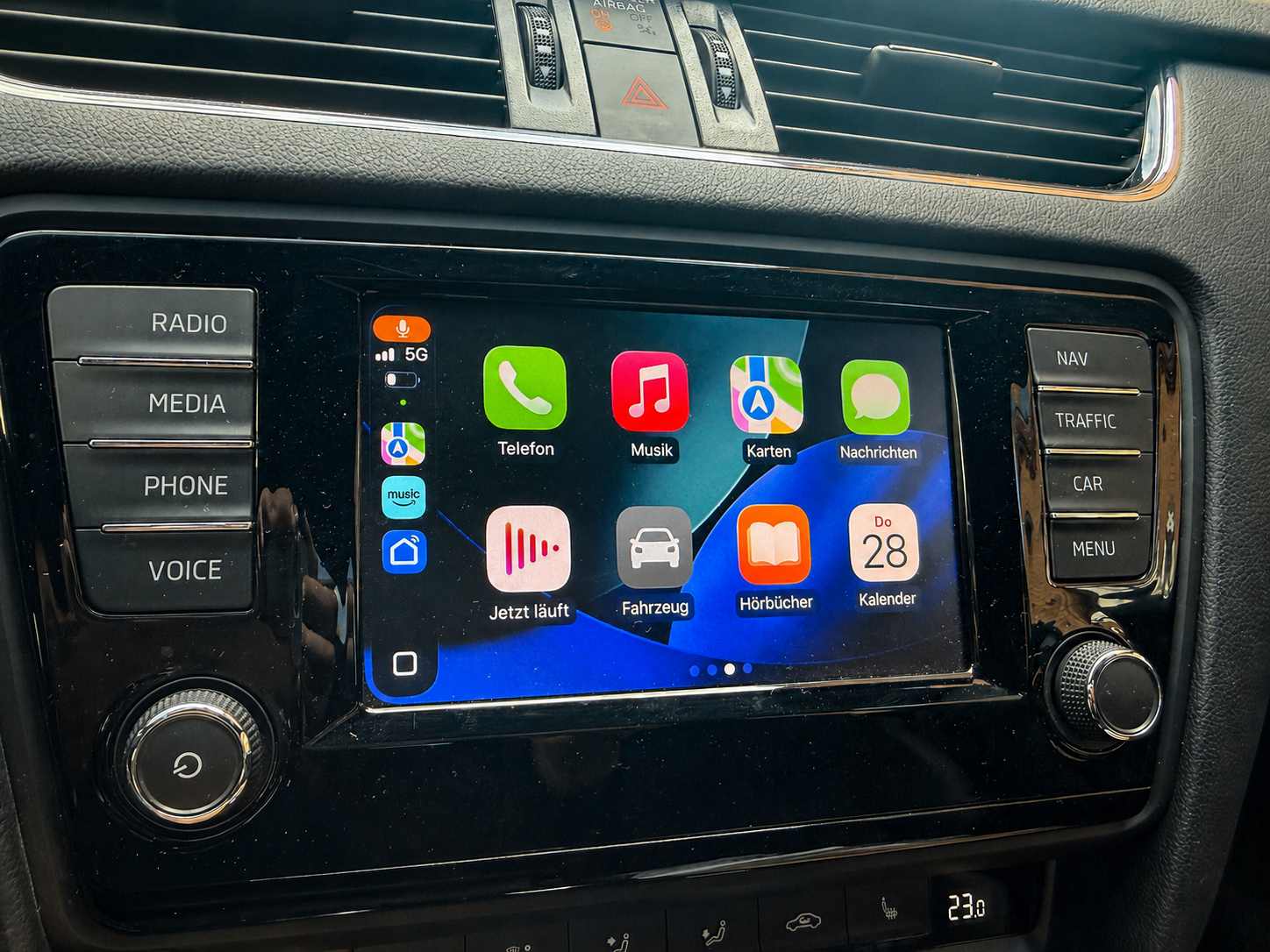
Example infotainment photo for Škoda
Example photo · Check the device and equipment individually
MIB2 · SmartLink

Suitable for Škoda vehicles

On compatible systems, SmartLink can provide access to smartphone functions. The software train, device equipment and a suitable data socket are decisive.

  • For Apple CarPlay and Android Auto
  • Version screen via MENU and Software update / Versions
  • Instructions and written support for the checked solution
  • Vehicle voice control, if not yet activated, at no extra charge
Have your system checked Notes
GUIDANCE THROUGH TO ACTIVATION

Install it yourself, step by step

You do not have to work out the installation yourself. After your order is confirmed and payment received, you receive instructions matching your checked solution by email. They guide you step by step through preparation and activation in the vehicle. The instructions are illustrated in most cases.

Digital download

You receive the required files and instructions explaining how to download, unzip and prepare your own SD card on a Windows computer. Then follow the steps described in the vehicle.

You need a suitable SD card of your own with at least 8 GB. Do not use a navigation SD card.

Prepared SD card

We prepare the ordered SD card for you and send it by post. Separate instructions by email show how to use the card in the vehicle and carry out activation. If a software update is also required, you receive a second card for it.

The described software steps in the vehicle generally require no additional tools. Follow the instructions for your checked system. If you have questions, we will help you personally.

Manually sent installation instructions and accompanying emails remain in German for now.

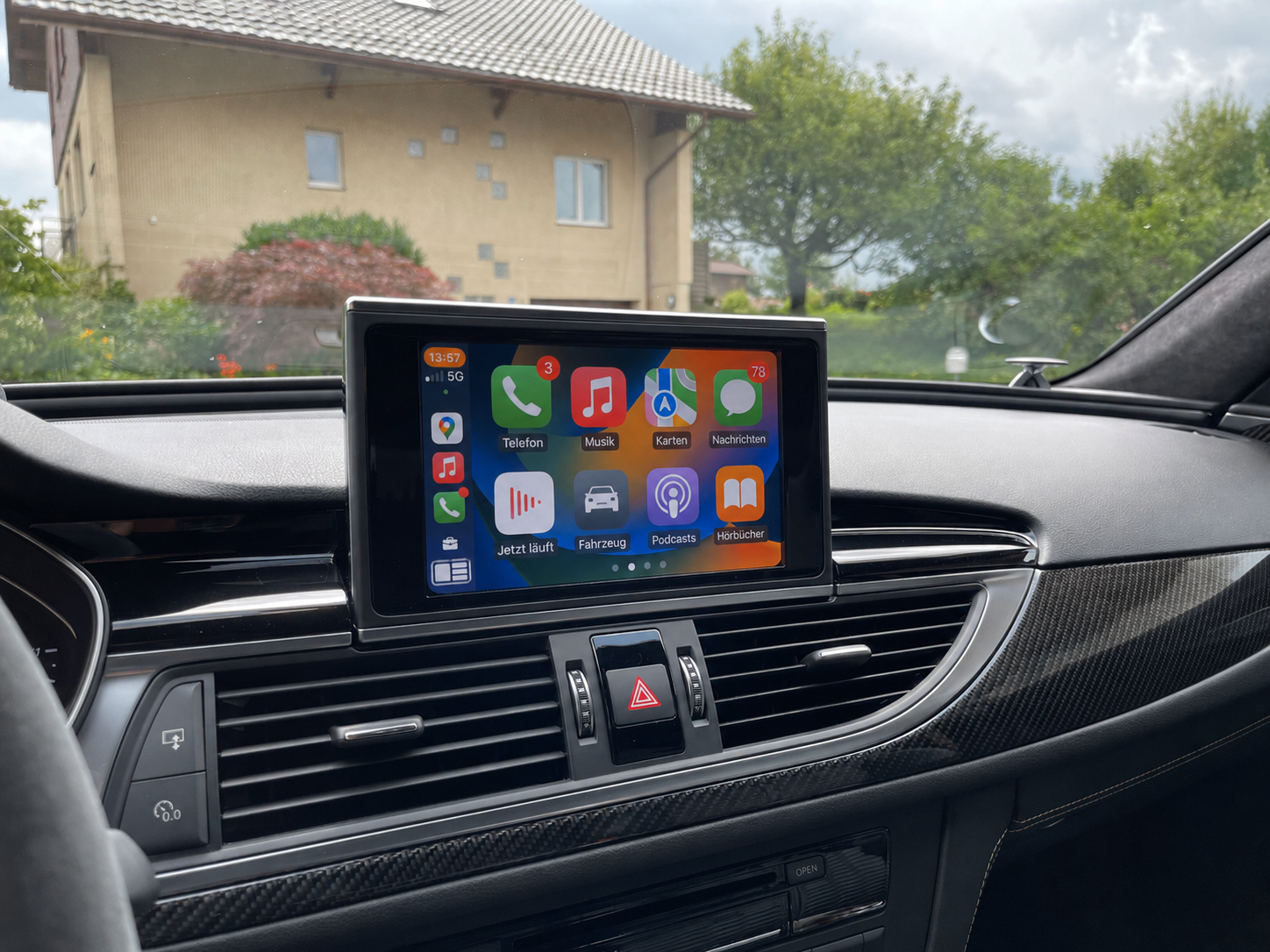
Example infotainment photo for Audi
Example photo · Check the device and equipment individually
MIB2 · Smartphone Interface

Suitable for Audi vehicles

For Audi Smartphone Interface, the software version and connection equipment must match. Any required firmware update is assessed separately from activation.

  • For Apple CarPlay and Android Auto
  • Version information through the Red Engineering menu
  • USB hardware and any required update are also checked
  • Vehicle voice control, if not yet activated, at no extra charge
Have your system checked Notes
GUIDANCE THROUGH TO ACTIVATION

Install it yourself, step by step

You do not have to work out the installation yourself. After your order is confirmed and payment received, you receive instructions matching your checked solution by email. They guide you step by step through preparation and activation in the vehicle. The instructions are illustrated in most cases.

Digital download

You receive the required files and instructions explaining how to download, unzip and prepare your own SD card on a Windows computer. Then follow the steps described in the vehicle.

You need a suitable SD card of your own with at least 8 GB. Do not use a navigation SD card.

Prepared SD card

We prepare the ordered SD card for you and send it by post. Separate instructions by email show how to use the card in the vehicle and carry out activation. If a software update is also required, you receive a second card for it.

The described software steps in the vehicle generally require no additional tools. Follow the instructions for your checked system. If you have questions, we will help you personally.

Manually sent installation instructions and accompanying emails remain in German for now.

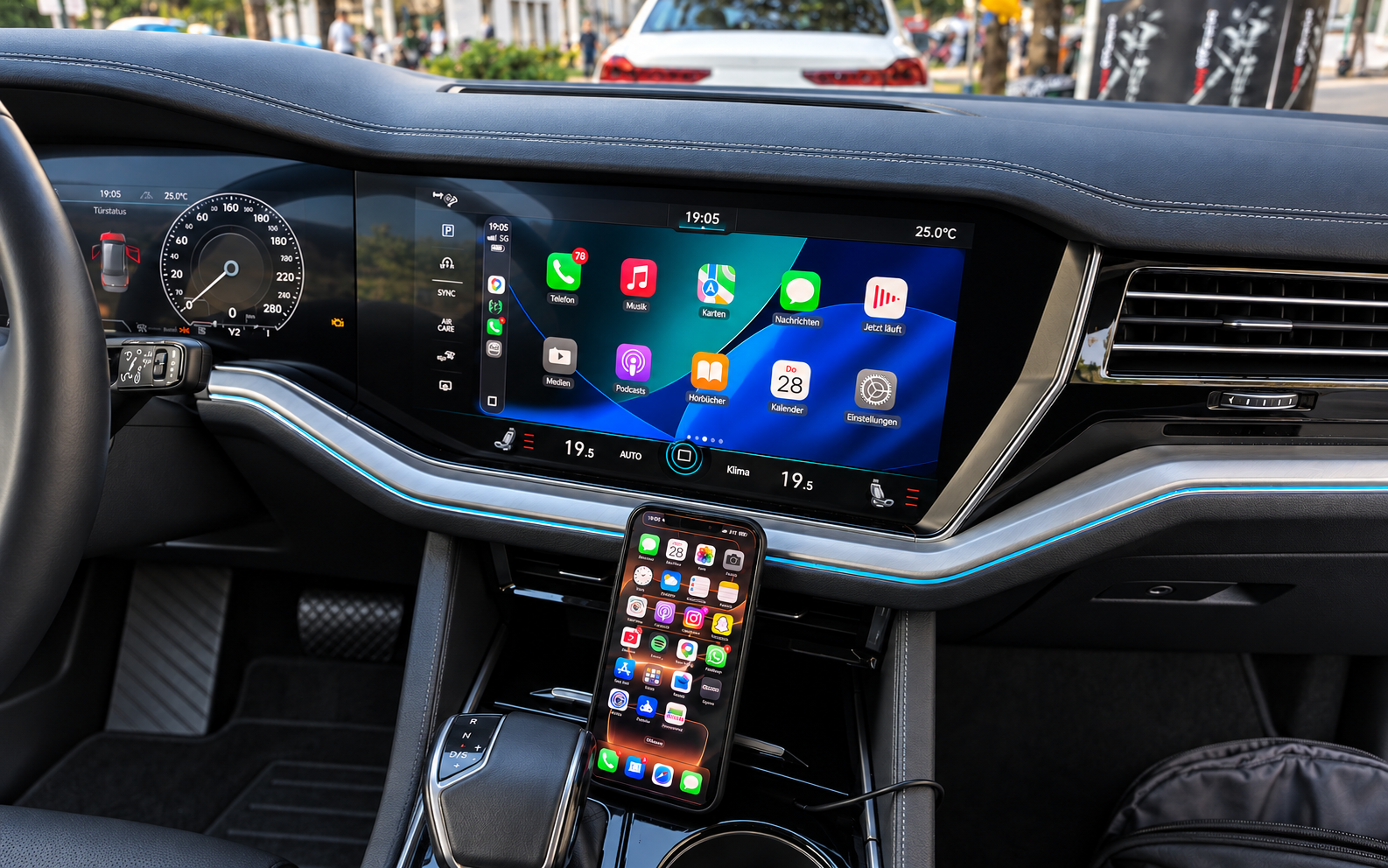
Example infotainment photo for VW MH2p
Example photo · Check the device and equipment individually
MH2p · MIB2+ High

Suitable for VW Touareg with MH2p

Suitable for VW Touareg with a compatible MH2p system: we offer an individually checked App-Connect activation. Its range of functions differs from the other MIB2 offers.

  • Apple CarPlay and Android Auto as a wired base activation
  • Fullscreen-Patch and Apple CarPlay Wireless as optional additional services
  • Individually prepared download or unbranded SD card
  • Vehicle voice control, if not yet activated, at no extra charge
Have your system checked Notes
GUIDANCE THROUGH TO ACTIVATION

Install it yourself, step by step

You do not have to work out the installation yourself. After your order is confirmed and payment received, you receive instructions matching your checked solution by email. They guide you step by step through preparation and activation in the vehicle. The instructions are illustrated in most cases.

Digital download

You receive the required files and instructions explaining how to download, unzip and prepare your own SD card on a Windows computer. Then follow the steps described in the vehicle.

You need a suitable SD card of your own with at least 8 GB. Do not use a navigation SD card.

Prepared SD card

We prepare the ordered SD card for you and send it by post. Separate instructions by email show how to use the card in the vehicle and carry out activation. If a software update is also required, you receive a second card for it.

The described software steps in the vehicle generally require no additional tools. Follow the instructions for your checked system. If you have questions, we will help you personally.

Manually sent installation instructions and accompanying emails remain in German for now.

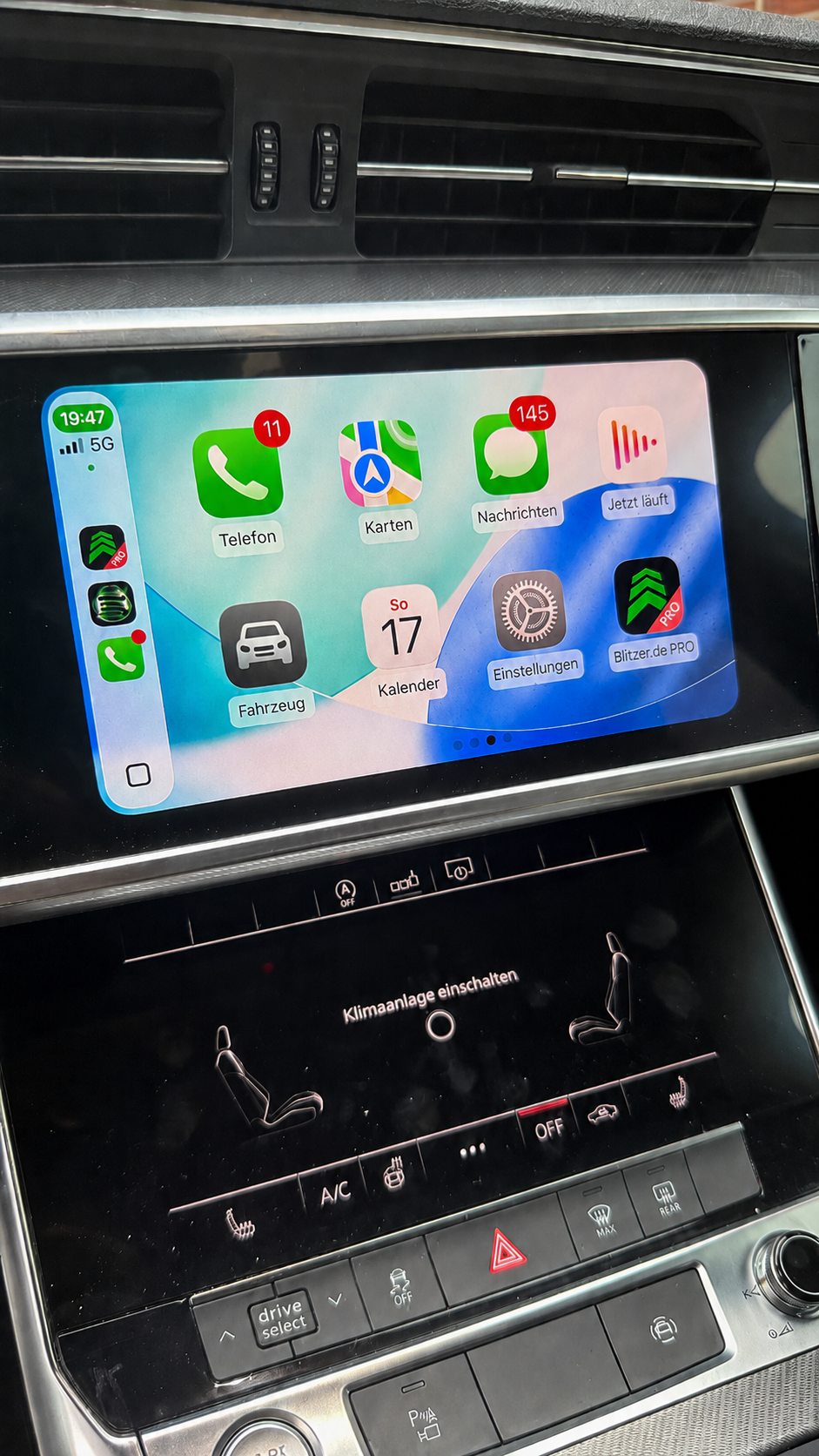
Example infotainment photo for Audi MH2p
Example photo · Check the device and equipment individually
MH2p · Phone Apps

Suitable for Audi with an MH2p system

The MH2p offer for Audi Phone Apps is a separate system solution. Depending on actual equipment, it may cover vehicles from the A1, A6, A7, A8, Q3, Q7 and Q8 model ranges.

  • Apple CarPlay and Android Auto as a wired base activation
  • Fullscreen-Patch and Apple CarPlay Wireless as optional additional services
  • Version information under Settings → General
  • Vehicle voice control, if not yet activated, at no extra charge
Have your system checked Notes
GUIDANCE THROUGH TO ACTIVATION

Install it yourself, step by step

You do not have to work out the installation yourself. After your order is confirmed and payment received, you receive instructions matching your checked solution by email. They guide you step by step through preparation and activation in the vehicle. The instructions are illustrated in most cases.

Digital download

You receive the required files and instructions explaining how to download, unzip and prepare your own SD card on a Windows computer. Then follow the steps described in the vehicle.

You need a suitable SD card of your own with at least 8 GB. Do not use a navigation SD card.

Prepared SD card

We prepare the ordered SD card for you and send it by post. Separate instructions by email show how to use the card in the vehicle and carry out activation. If a software update is also required, you receive a second card for it.

The described software steps in the vehicle generally require no additional tools. Follow the instructions for your checked system. If you have questions, we will help you personally.

Manually sent installation instructions and accompanying emails remain in German for now.

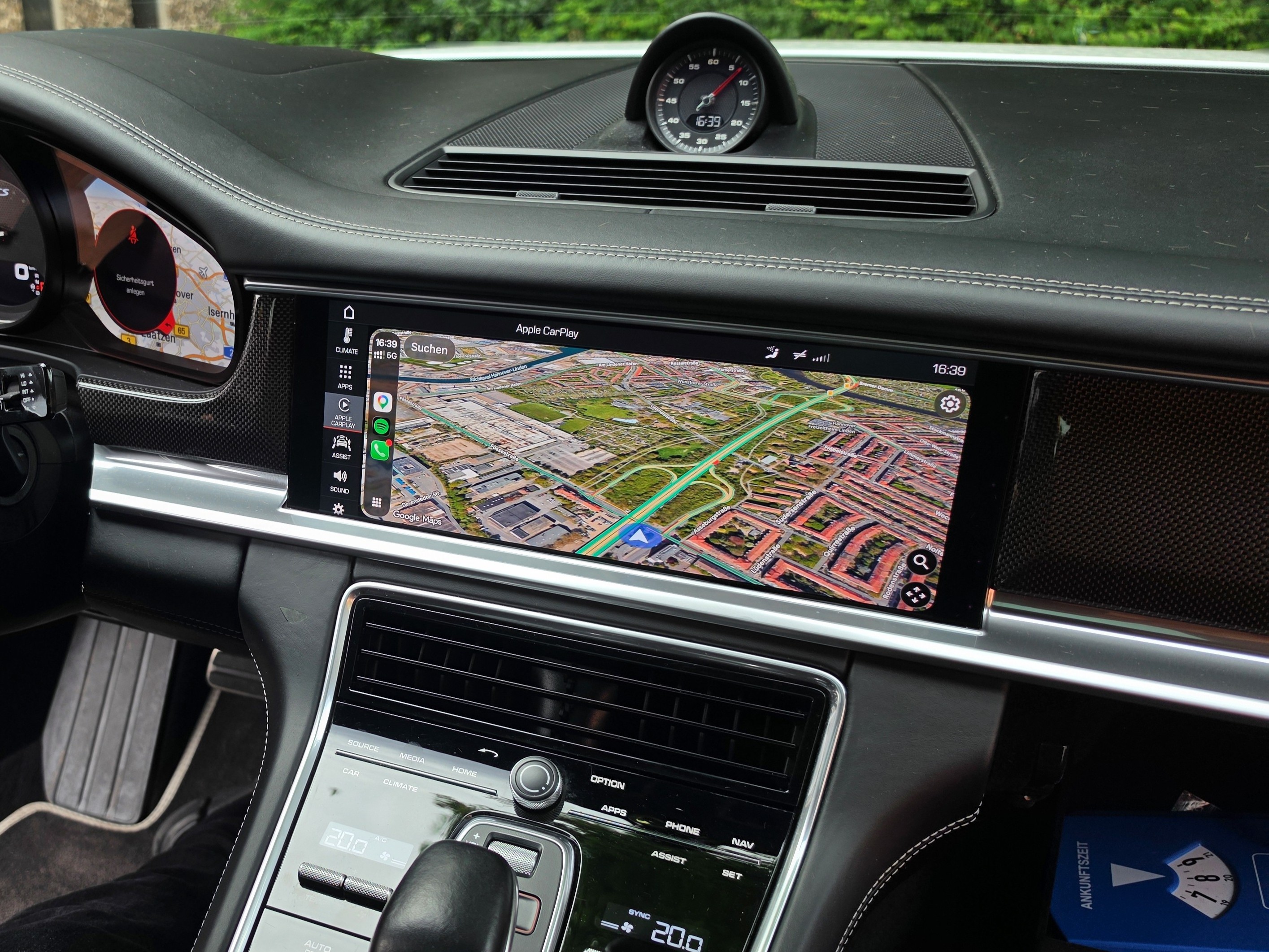
Example infotainment photo for Porsche
Example photo · Check the device and equipment individually
PCM 5 · MH2p

Suitable for Porsche with PCM 5

We offer a separate solution for compatible PCM 5 systems with MH2p. Example models are the 911 (992), Cayenne, Macan and Panamera with suitable system equipment.

  • Apple CarPlay and Android Auto as a wired base activation
  • Fullscreen-Patch and Apple CarPlay Wireless as optional additional services
  • Individual check of the PCM 5 system
  • Vehicle voice control, if not yet activated, at no extra charge
Have your system checked Notes
GUIDANCE THROUGH TO ACTIVATION

Install it yourself, step by step

You do not have to work out the installation yourself. After your order is confirmed and payment received, you receive instructions matching your checked solution by email. They guide you step by step through preparation and activation in the vehicle. The instructions are illustrated in most cases.

Digital download

You receive the required files and instructions explaining how to download, unzip and prepare your own SD card on a Windows computer. Then follow the steps described in the vehicle.

You need a suitable SD card of your own with at least 8 GB. Do not use a navigation SD card.

Prepared SD card

We prepare the ordered SD card for you and send it by post. Separate instructions by email show how to use the card in the vehicle and carry out activation. If a software update is also required, you receive a second card for it.

The described software steps in the vehicle generally require no additional tools. Follow the instructions for your checked system. If you have questions, we will help you personally.

Manually sent installation instructions and accompanying emails remain in German for now.

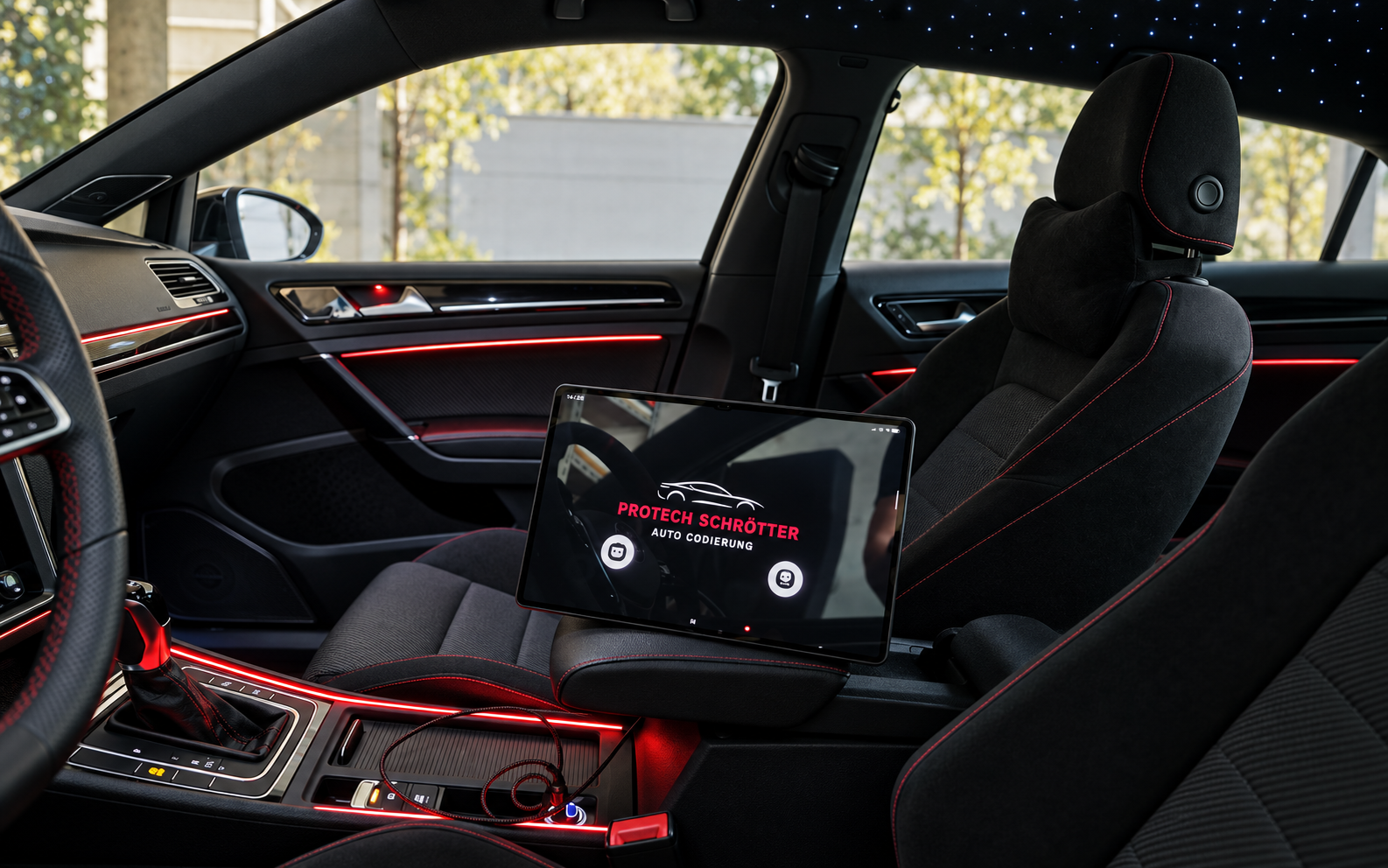
Tablet showing the ProTech Schrötter name during vehicle coding
A look at vehicle coding at ProTech Schrötter
ADDITIONAL SERVICES

Coding
& software updates

Updates and activations are prepared individually for the specific vehicle and system combination. We first check the model, functions and existing equipment.

  • Documented update path for the infotainment system
  • Check functions and requirements against the model beforehand
  • Check premium sound systems separately

We carry out OBD2 coding exclusively in person in the Hanover area. Infotainment photos are not required for this.

AFTER THE TECHNICAL CHECK

Prepared
for your system.

Depending on the approved solution, you receive an individually prepared download or an unbranded SD card with the appropriate files. This includes instructions for carrying out the work on your vehicle. We provide written support for questions.

For a download, you need your own suitable SD card of at least 8 GB, not a navigation SD card, and a computer for downloading, extracting and copying the files. We send the prepared SD card as a letter within Germany. We ship to other European countries offered at checkout exclusively by Deutsche Post Standardbrief International. Delivery time depends on the destination country. You see the exact processing and delivery information in the cart before ordering. Shipping costs are shown in the cart after a successful vehicle check and before ordering.

GUIDANCE THROUGH TO ACTIVATION

Install it yourself, step by step

You do not have to work out the installation yourself. After your order is confirmed and payment received, you receive instructions matching your checked solution by email. They guide you step by step through preparation and activation in the vehicle. The instructions are illustrated in most cases.

Digital download

You receive the required files and instructions explaining how to download, unzip and prepare your own SD card on a Windows computer. Then follow the steps described in the vehicle.

You need a suitable SD card of your own with at least 8 GB. Do not use a navigation SD card.

Prepared SD card

We prepare the ordered SD card for you and send it by post. Separate instructions by email show how to use the card in the vehicle and carry out activation. If a software update is also required, you receive a second card for it.

The described software steps in the vehicle generally require no additional tools. Follow the instructions for your checked system. If you have questions, we will help you personally.

Manually sent installation instructions and accompanying emails remain in German for now.

Read about downloads, shipping and appointments ↗

What applies to later manufacturer updates ↗

Make, model or software prefix alone does not establish suitability. The complete version information, vehicle details and USB equipment are decisive. Use the compatibility check before ordering.